
 Siri, Shortcuts & Spotlight
Connect to saved computers using Siri, Shortcuts, Spotlight, and other system features.
 Screens
Control your Mac, Windows PC, Linux PC, or Raspberry Pi from your iPhone, iPad, Mac, or Apple Vision Pro — whether it's across the room or across the world.

Try Screens free for 7 days on all your devices.
Remote Access
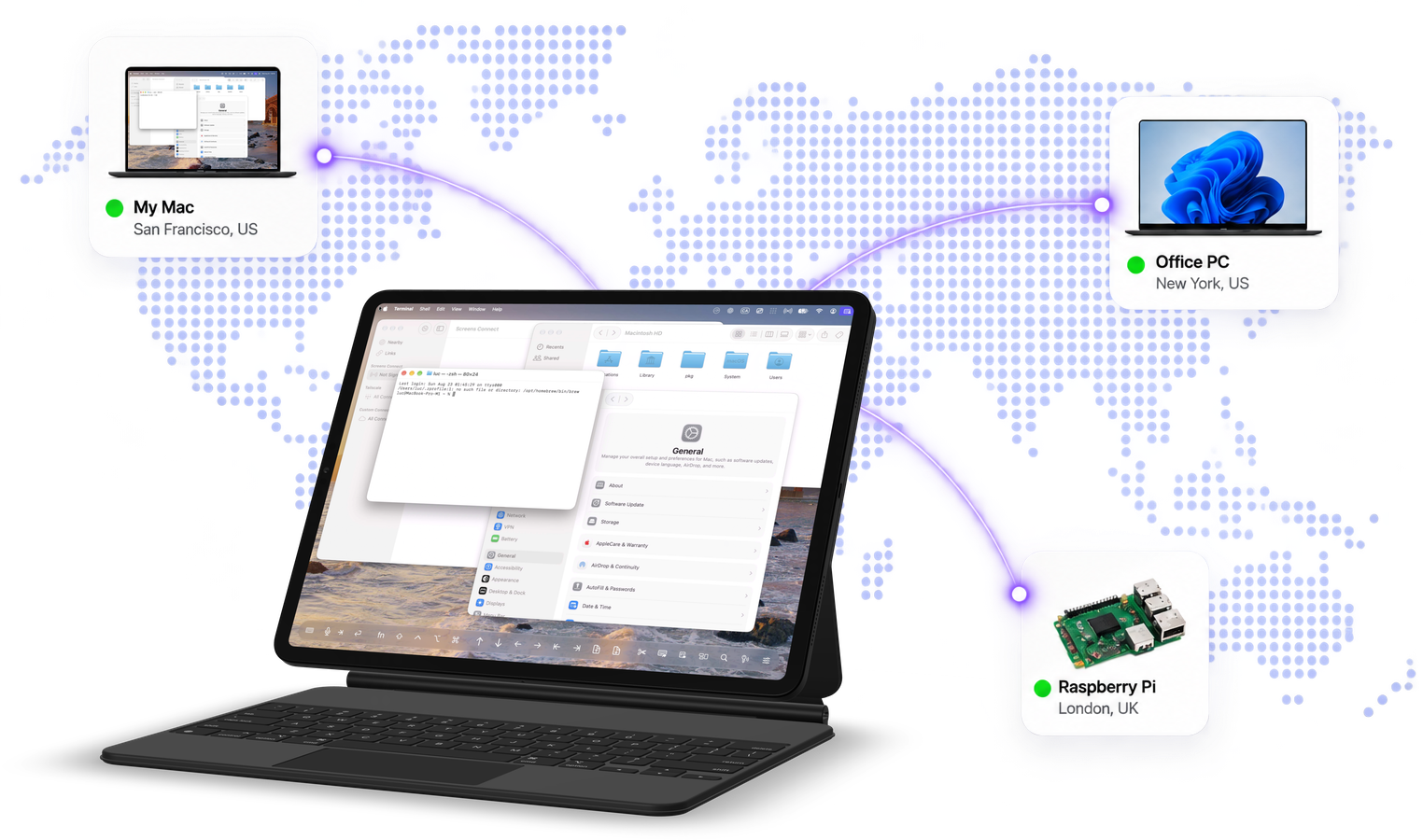
Screens gives you fast, convenient access to your computers wherever you are. Connect to Macs, Windows PCs, Linux PCs, and Raspberry Pi from any of your Apple devices.
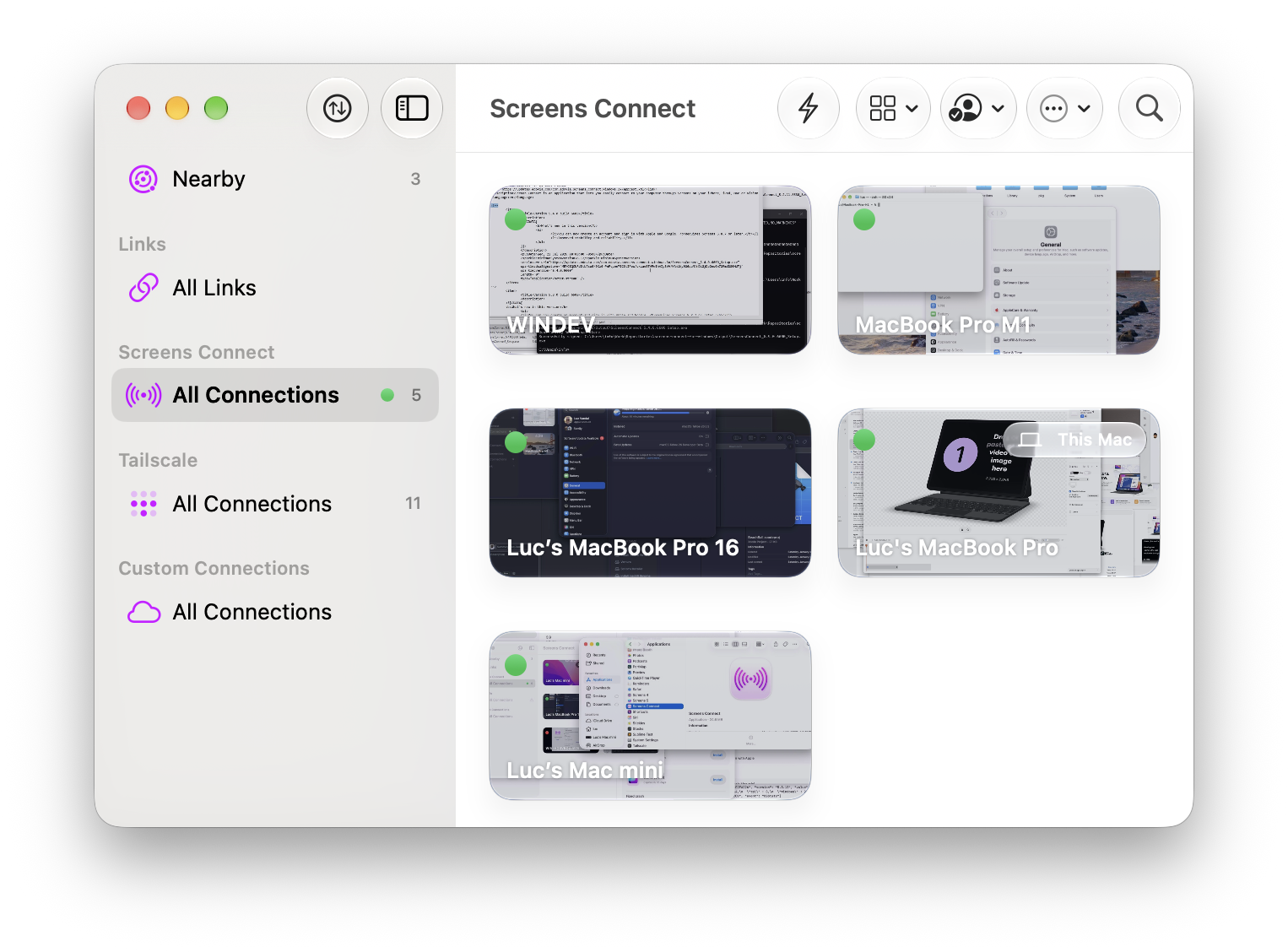
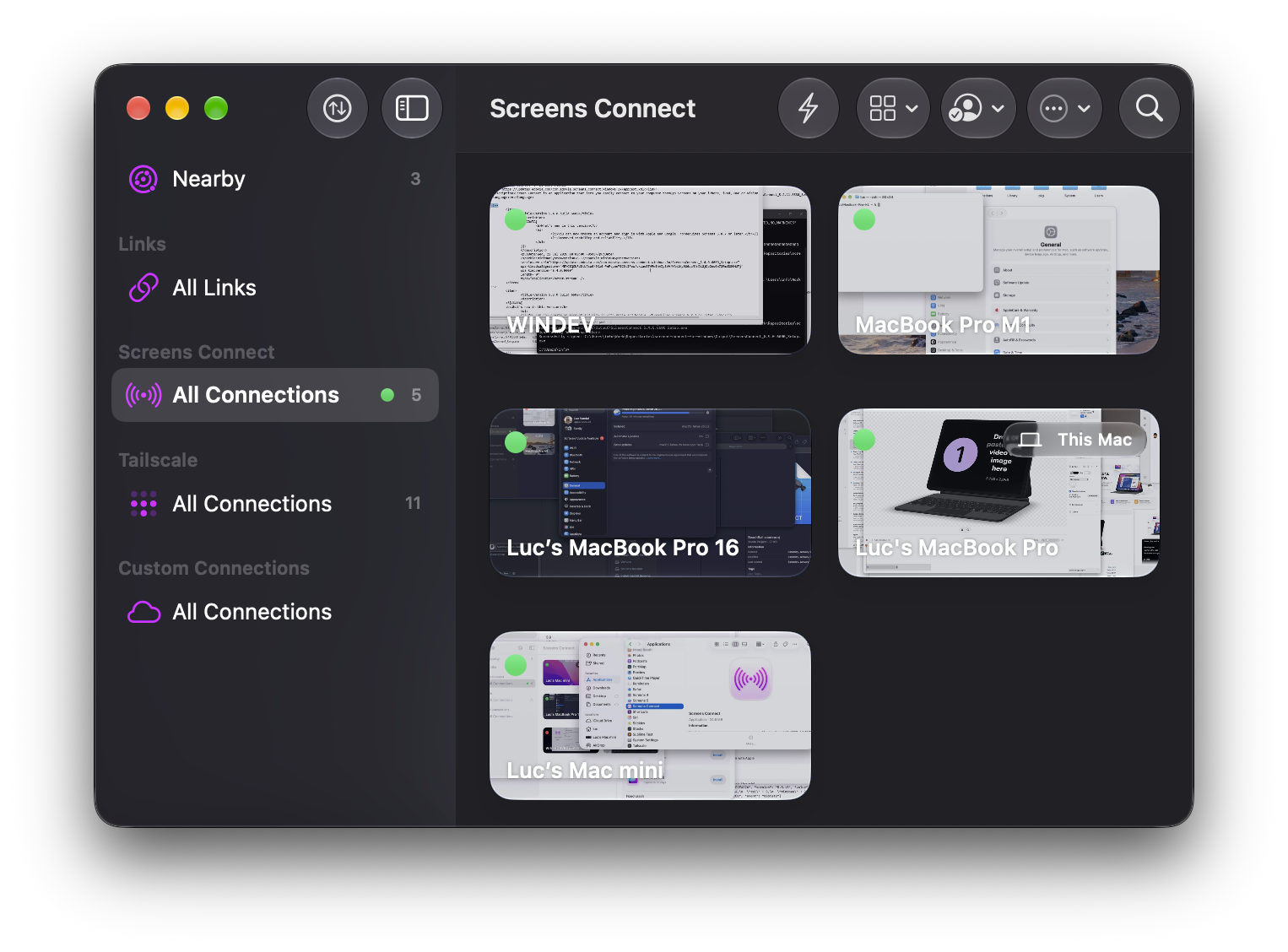
With Screens Connect, remote access is easy to configure without complicated network setup. Screens can also discover computers on your local network or let you create custom connections when you need more control.
High Performance Screen Sharing
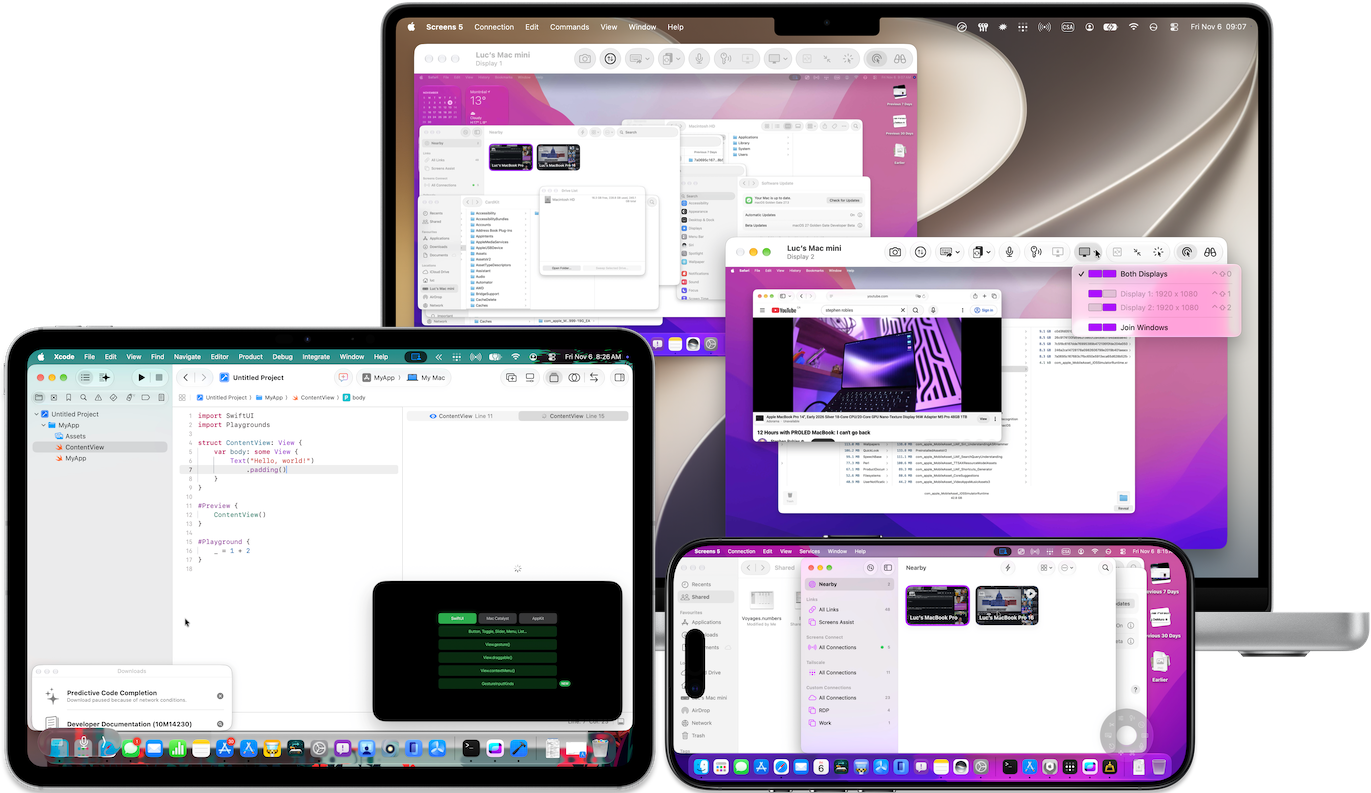
Your remote Mac's desktop automatically resizes to fit your device's screen or connection window. No more black bars, constant zooming, or endless panning.
Enjoy smoother video, remote audio, virtual displays, and display privacy for a more natural remote desktop experience.
Nothing extra to install. Just enable Screen Sharing on an Apple silicon Mac running macOS 14 Sonoma or later.
“This latest update is amazing. The dynamic resizing feature is a game changer for iPad remote desktop clients. Well impressed.”
— VimesOfTheWatch
Natural Control
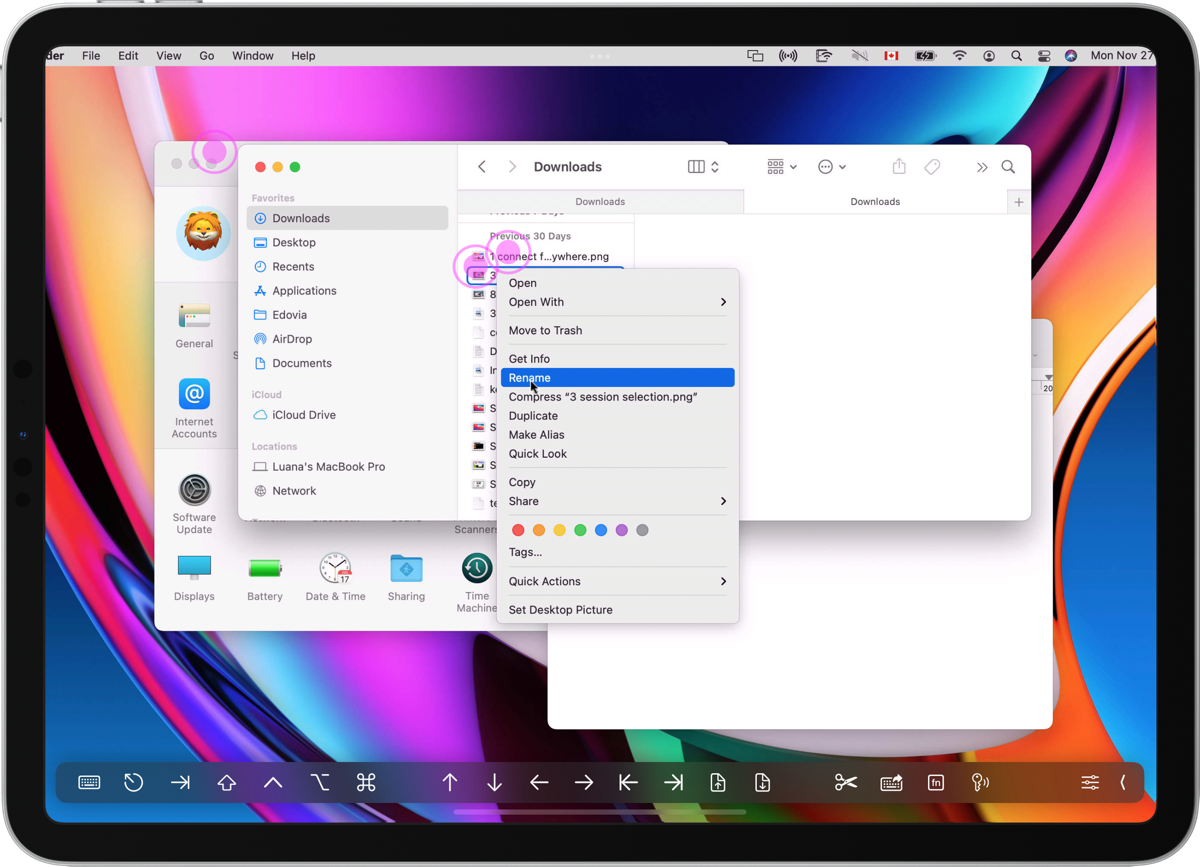
Screens is designed to make remote control feel natural on every device. Switch between Touch Mode and Trackpad Mode, use familiar gestures, or connect a mouse, trackpad, or hardware keyboard for desktop-level precision on iPhone, iPad, and Apple Vision Pro.
Whether you're making a quick adjustment from your iPhone or doing serious work from an iPad with Magic Keyboard, Screens adapts to the way you want to work.
Clipboard Sharing
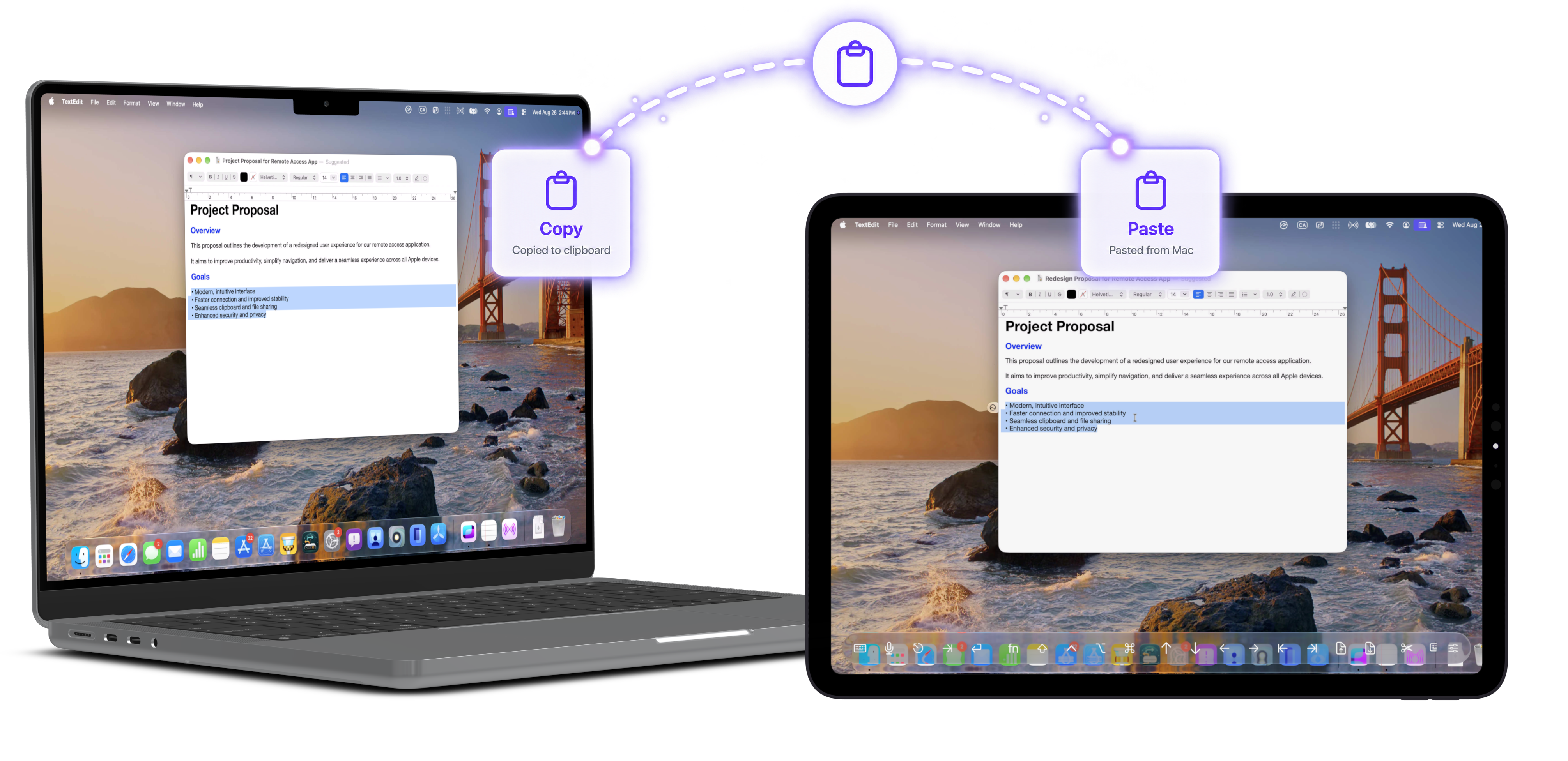
Keep your workflow moving by sharing clipboard content between your local device and the computer you're controlling.
Copy text, rich text, images, and URLs between your device and a remote Mac, with plain-text clipboard sharing also supported for Windows PCs, Linux PCs, and Raspberry Pi.
File Transfers
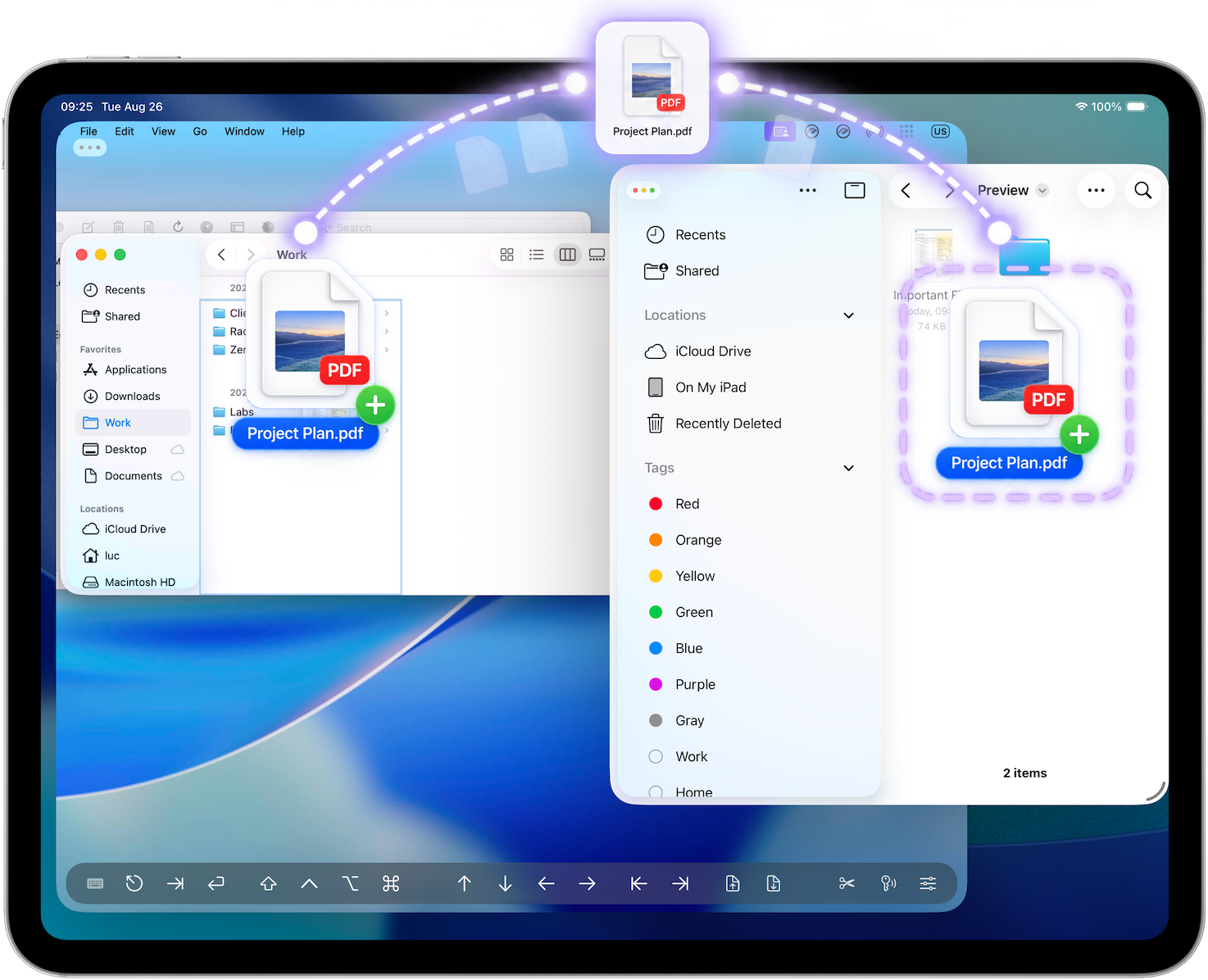
Transfer files between your remote Mac and your iPhone, iPad, Mac, or Apple Vision Pro — in either direction.
With simple drag-and-drop support, sending or retrieving files feels like a natural part of your remote workflow.
Try Screens free on all your devices.
Security
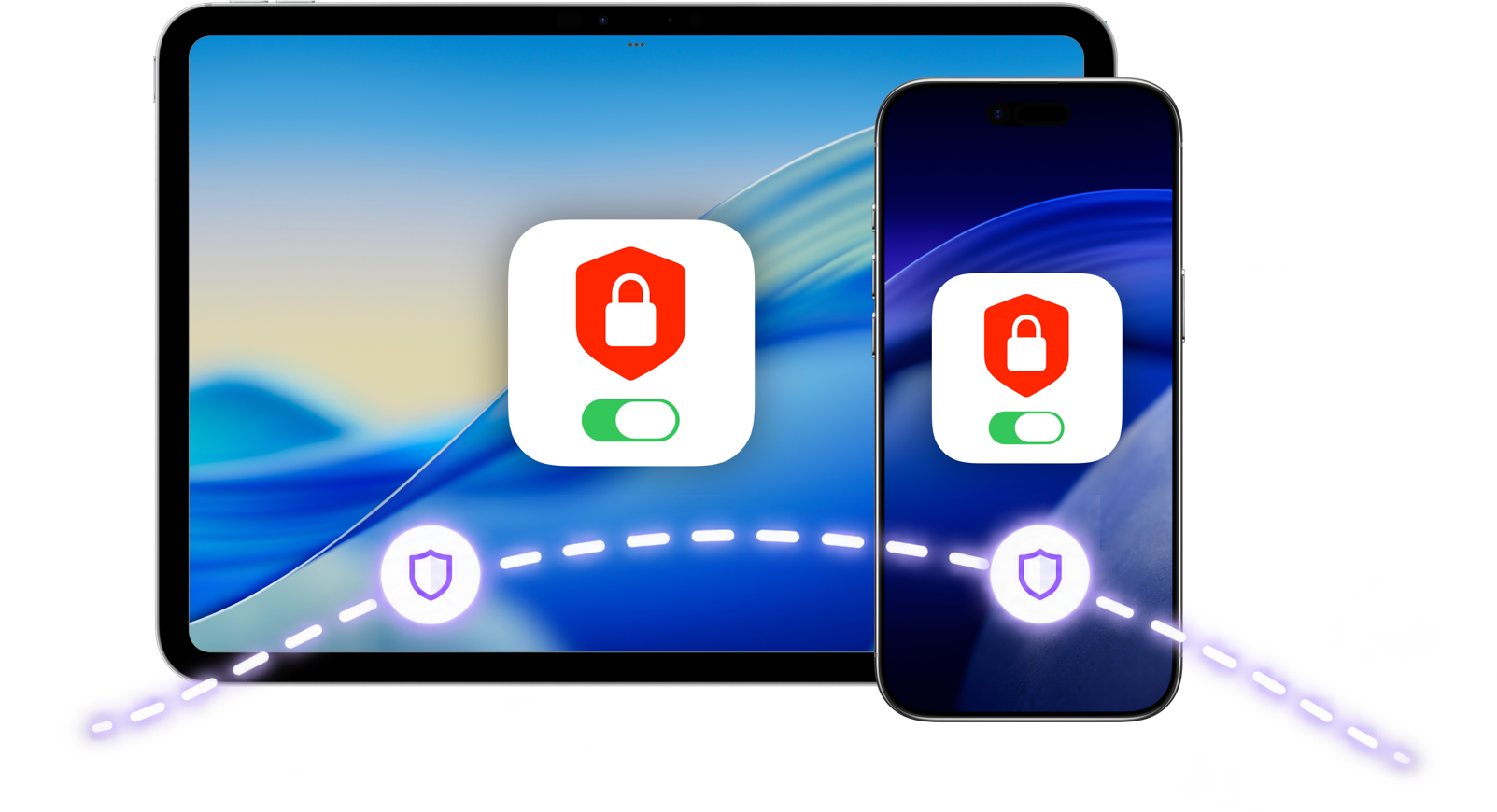
Screens supports secure remote connections and built-in SSH tunnelling to help protect your data, including when connecting over networks you don't control.
Custom SSH keys give advanced users additional authentication options, while Screens keeps the experience straightforward across your Apple devices.
Multiple Displays
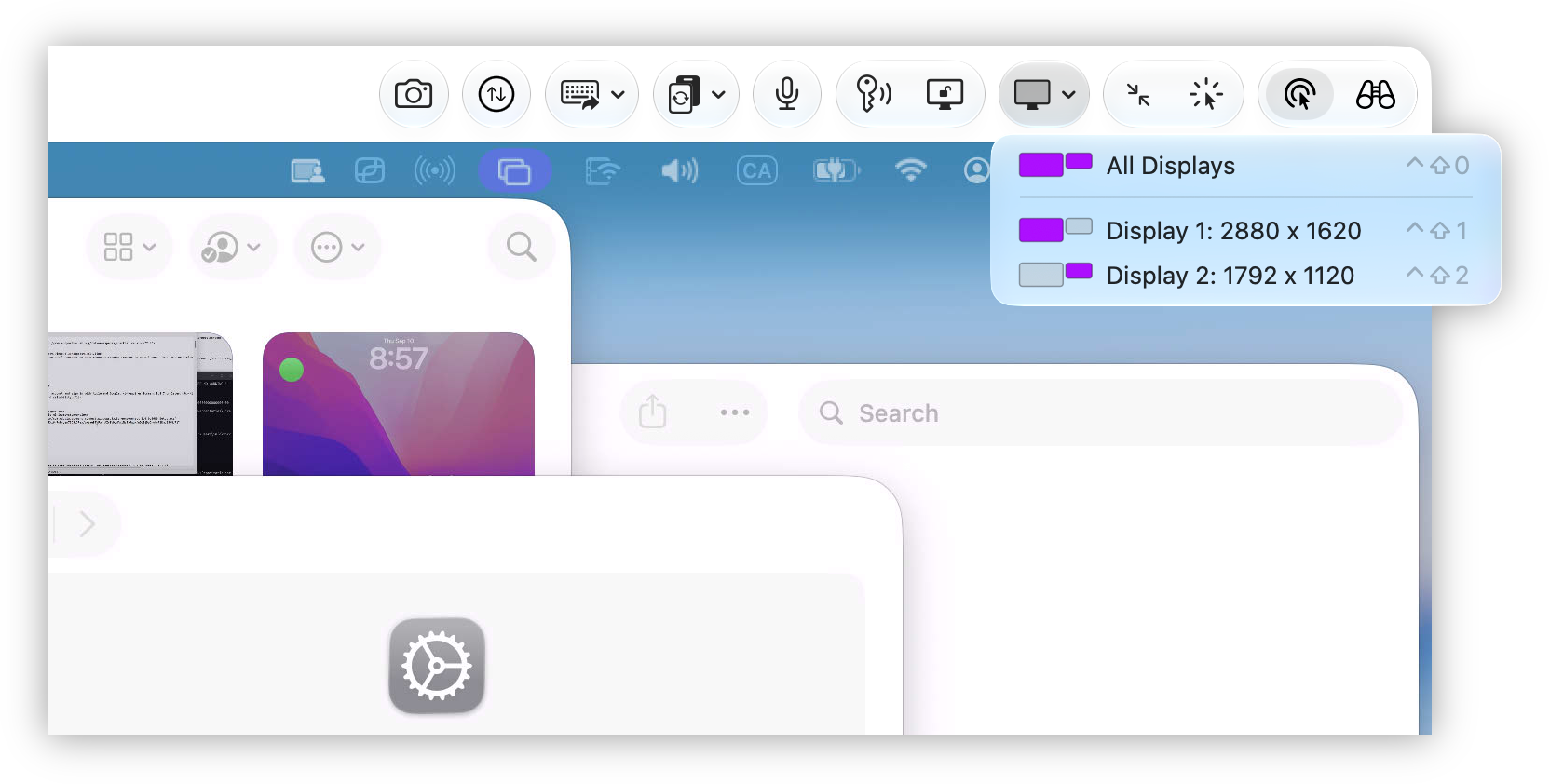
When a remote Mac has multiple displays, choose a specific display or see them all at once.
Screens remembers your previous display selection too, so your next session starts exactly where you expect.
Screens Assist
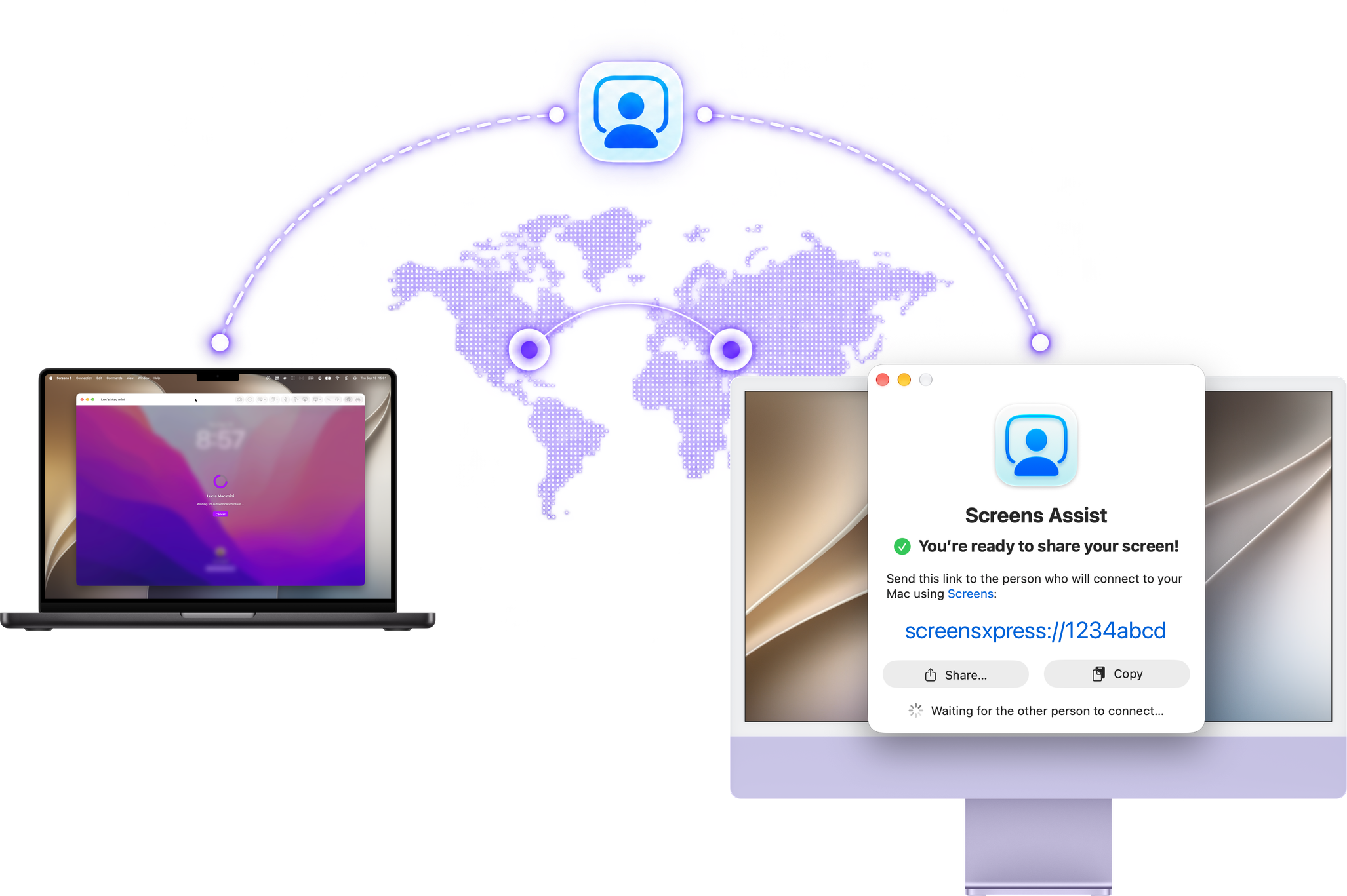
Need to troubleshoot a family member's, friend's, or client's Mac? Screens Assist makes it easy.
They simply run the free utility on their Mac and you connect with Screens — no complicated setup required.
iPhone Duo
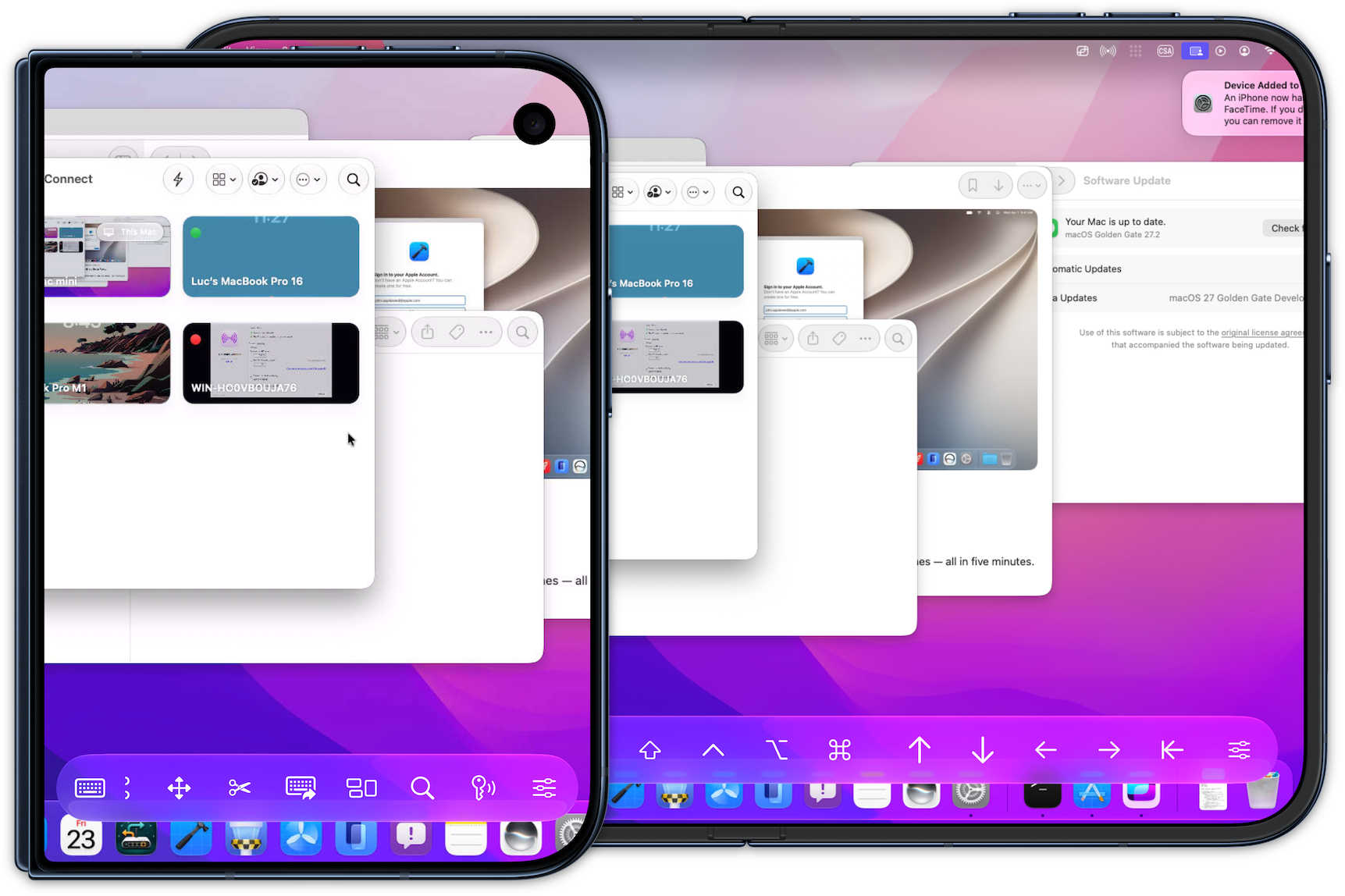
Made for iPhone Duo, Screens takes full advantage of both displays, giving you more room to work and a more natural way to control your computers.
Made for Apple
Screens doesn't simply run on Apple platforms. It's designed around the technologies and interactions that make each of them unique.
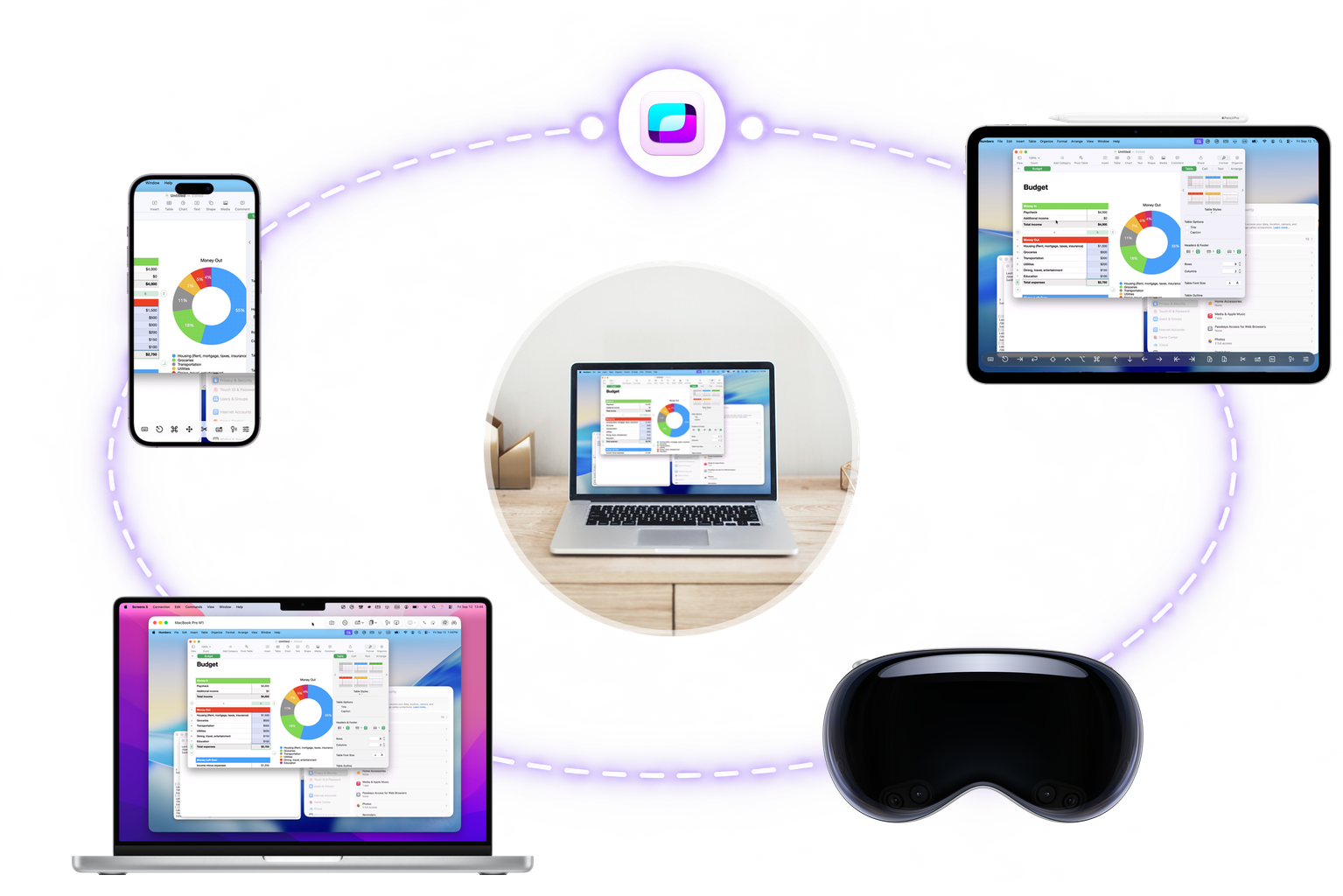 Siri, Shortcuts & Spotlight
Connect to saved computers using Siri, Shortcuts, Spotlight, and other system features.
 Quick Connect Widgets
Connect to saved computers directly from a widget on your Apple devices.
 Apple Pencil
Tap, drag, hover, and trigger actions with Apple Pencil for precise, intuitive control.
 iCloud
Keep your Screens content available across your Apple devices.
 Face ID & Touch ID
Protect access to Screens with your device's biometric security.
 Multiple Windows
Work with more than one remote connection when your workflow demands it.
More Ways to Work
Screens includes plenty of advanced features without putting them between you and your computer.
 Curtain Mode
Black out the remote Mac's display when you need additional privacy.
 Session Selection
Share an active Mac session or work privately in your own background session.
 Adaptive Quality
Let Screens adapt the connection to changing network conditions.
 Tailscale & Meshnet
Use supported private-network solutions as another way to reach your computers.
 Shortcuts Toolbar
Keep frequently used commands and actions within easy reach.
 Observe & Control
Choose whether a remote session should allow interaction or remain view-only.
 Dictation
Use your voice to enter text on your remote computer.
 URL Schemes
Launch connections and automate Screens from other apps and workflows.
 On-Disconnect Actions
Automatically perform selected actions when you disconnect from a remote computer.
Loved by Screens Users
...and I don’t use this expression lightly. The image quality becomes great for prolonged use and the remote desktop resolution can adapt to my iPad or laptop screen. This is huge for me and will allow me to have my desktop as main platform for 90% of my work when I am away. Thank you.
— JTbeConstant updates, more features, more supported devices and more supported alternative network scenarios. Developer is super responsive. It’s basically a Pro version of Apple’s native macOS Screen Sharing. HIGHLY recommended.
— Peter N.Screens was useful in removing from my iPad to my Mac before - with this latest update it’s about as good as it gets - friction free! Thanks for a GREAT update!
— LeftOvertureI was wowed by the reliability, design and ease of use of this app on both iPad and Mac. Works seamlessly for my Raspberry Pi and other VNC servers. Subscription covers all Apple devices, so certainly worth the cost.
— 7BobbyBtcbReally enjoying the latest version of Screens, especially the new support for high performance sharing. Also want to call out their responsive support, as I reported a connection issue and they immediately responded (the issue was already fixed & submitted to Apple) and they immediately offered a TestFlight version for immediate use and notified me (the next day) that the fixed version was now on the App Store.
— Irish MacgyverTech help is bad enough when you are in the same room… but miles away? Forget it! This is THE app that allows me to quickly log into my mother’s Mac and fix things in minutes rather than hours.
— Anakin44011Screens is a beautifully designed and reliable app that makes connecting to my Mac effortless. The developer continues to improve it with thoughtful updates and excellent support.
— ThisReviewerI’ve been using Screens for many years now. It seems to have only gotten better. I use it almost daily to access my Mac from my iPad (and occasionally my iPhone), and everything is smooth and fast. Highly recommended!
— Evilkow
Your computers are closer than you think.
Screens requires iOS 17.6, iPadOS 17.6, macOS 14.6, visionOS 26.0 or later.